Explore the details and the parts behind the model. Select an image to open the larger view.
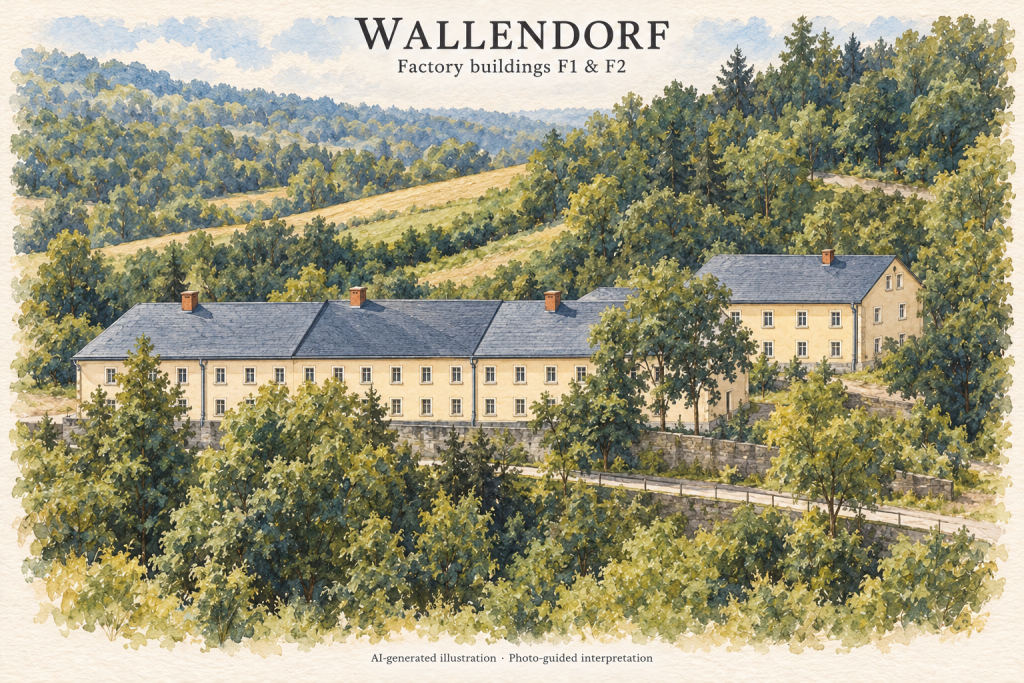
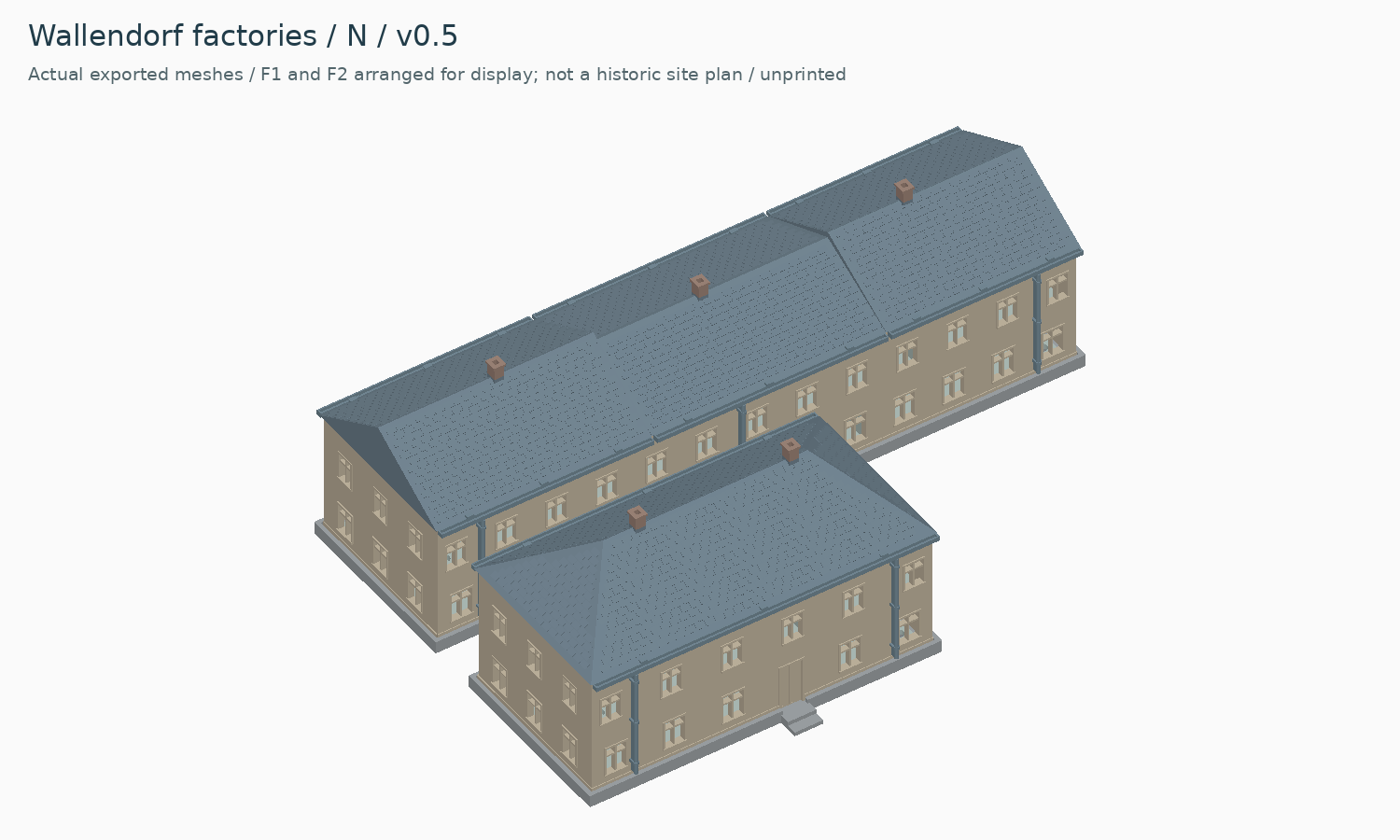
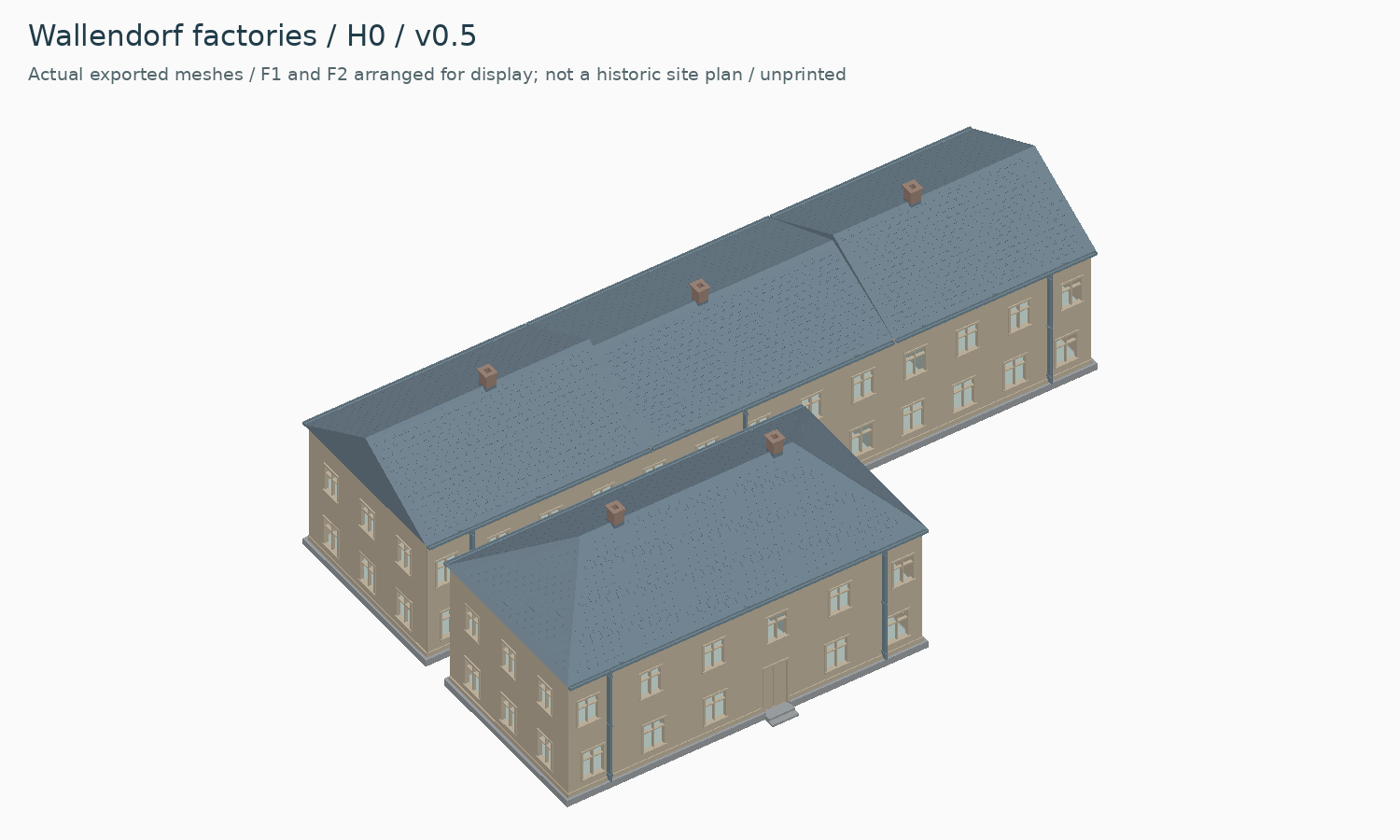
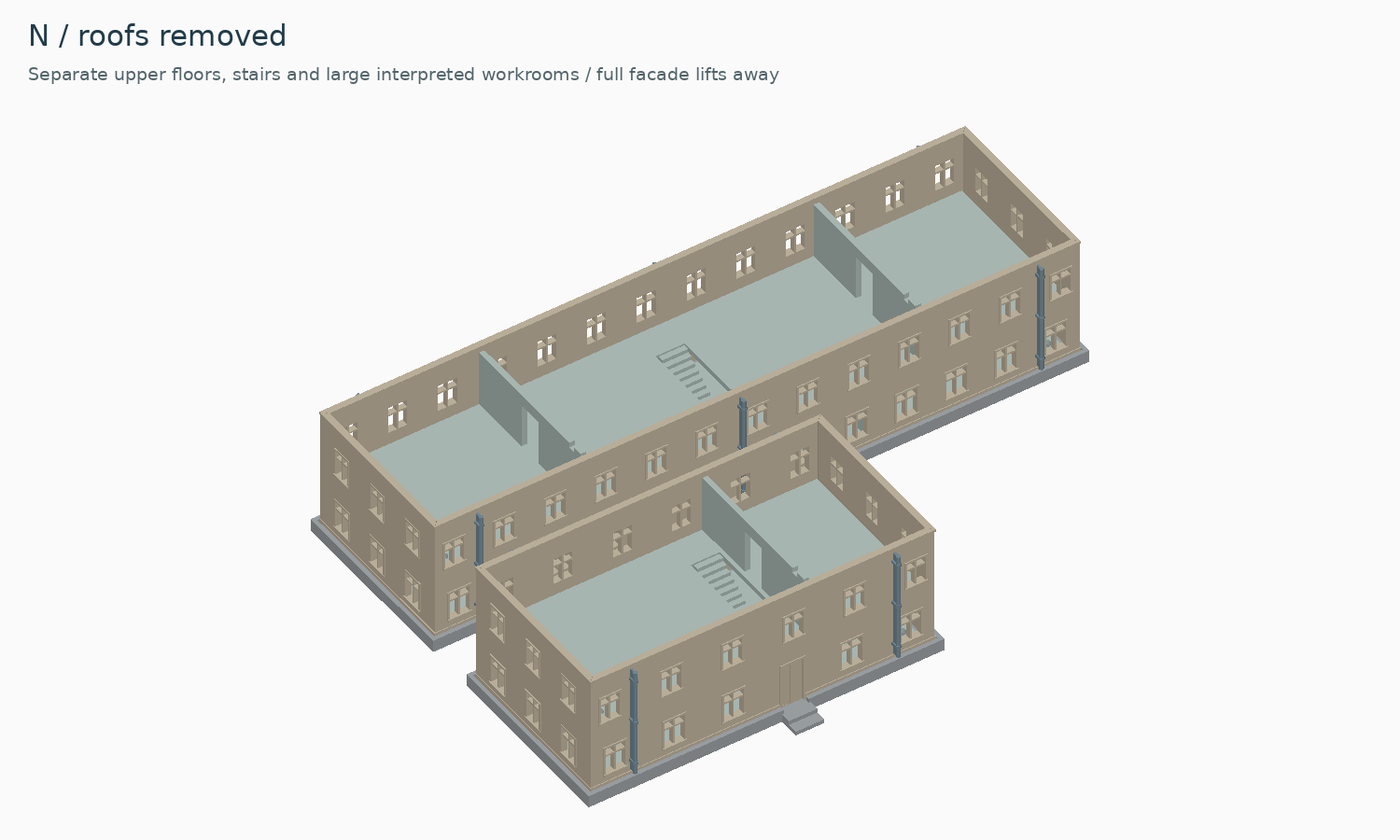
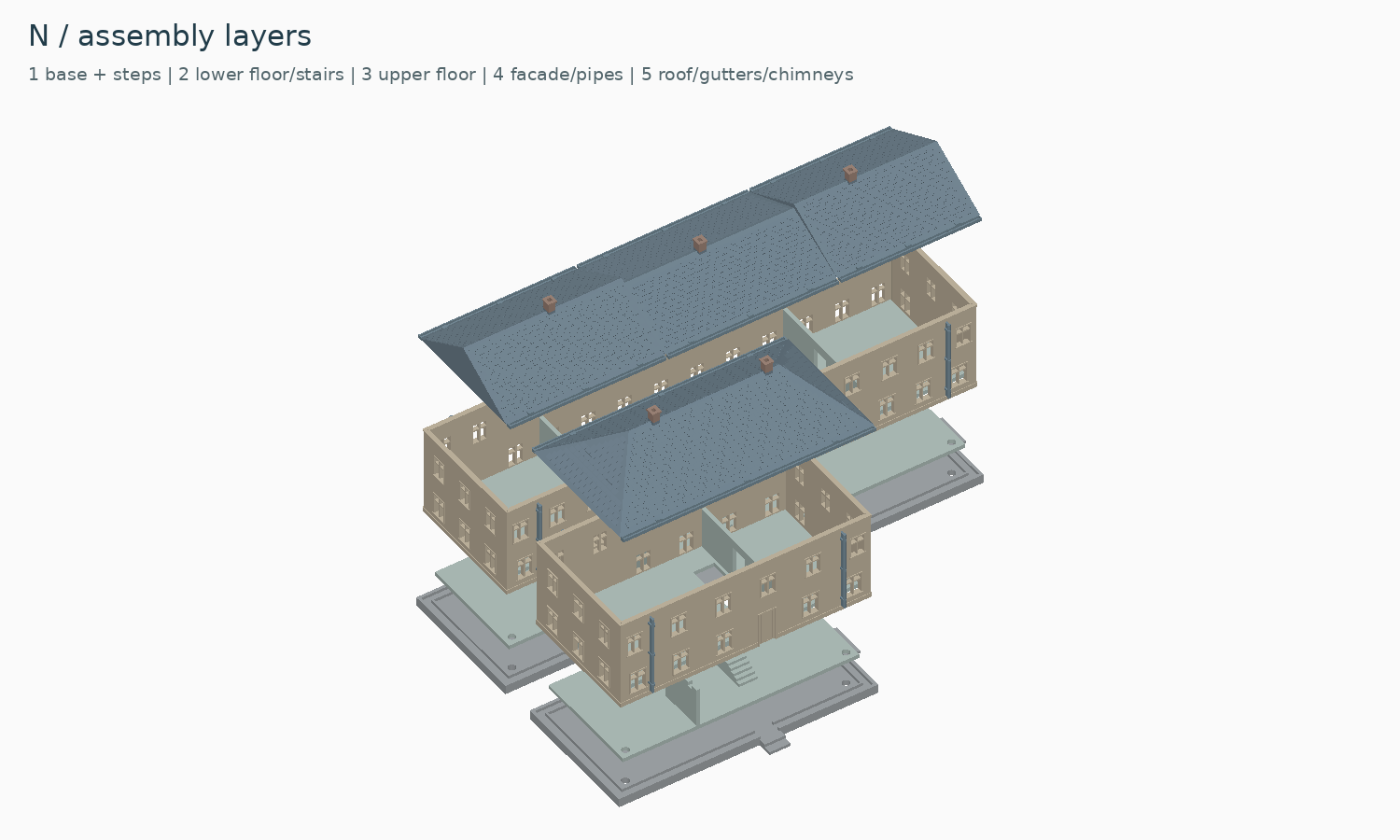
Wallendorf factories — N exteriorWallendorf factories — H0 exteriorWallendorf factories — N interiorWallendorf factories — N assembly layers
Model details
Industry · Print testing
An industrial site designed as a collection of real buildings.
The long and small factory buildings (F1 and F2) form one model within the Wallendorf collection. The Herrenhaus and half-timbered house are now developed as separate models, so you can choose the buildings that suit your layout.
Separate printable shells, roofs and internal structures
Interior divisions supporting walls and lighting separation
Guided foundations for placement and alignment
Building-specific doors, stairs and industrial details
Verification status
Physical print and assembly testing is in progress. We are checking the parts and their fit before preparing the customer release. This model is not yet available for purchase.
Before it reaches your workbench
A few useful things to know.
Is this a physical model?
No. This catalogue is for digital model files, not a printed kit. When a release is available, its listing will describe the files and documentation included in the download.
Which scale and printer should I use?
Check the model details and release notes for the available scales and tested print settings. Use a scale-specific version where supplied: small features and assembly clearances do not always work when a model is simply enlarged or reduced.
Does the picture show a finished print?
Model previews may be digital renders. Refer to the image description and release notes to distinguish a digital model from a physical print test. Development previews are not a promise that every part has been printed.
What should I keep after downloading?
Keep a backup of the original release package together with its version number, licence and assembly notes. Read the instructions before arranging the parts in your slicer.