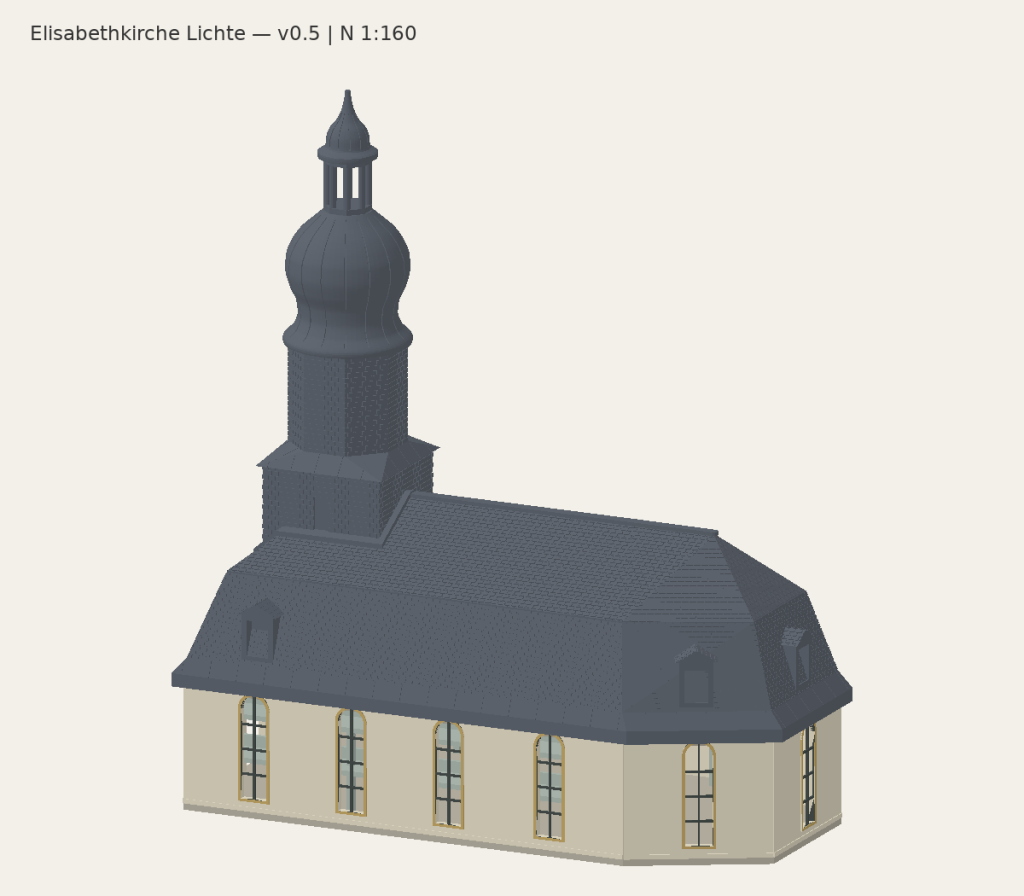
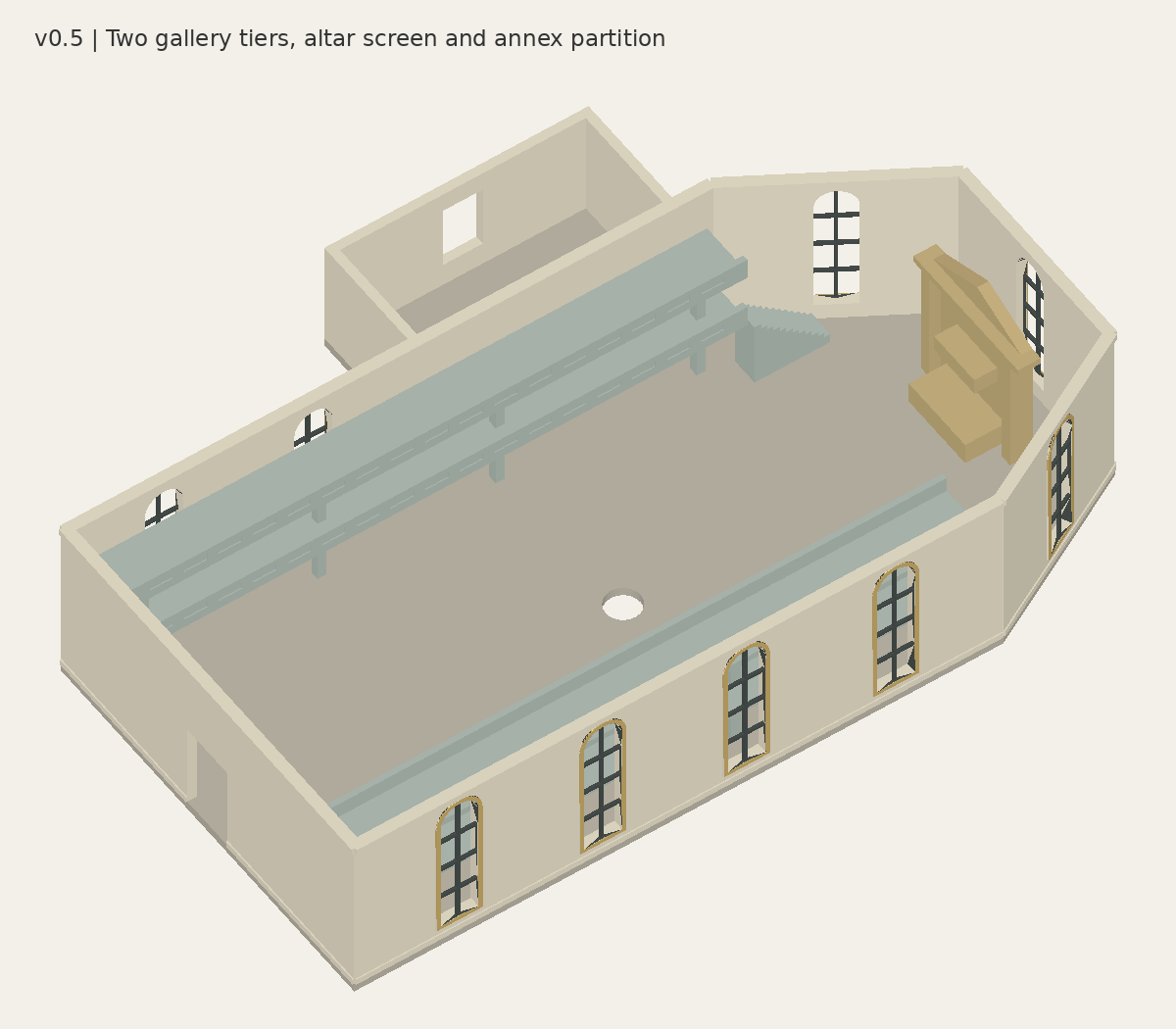
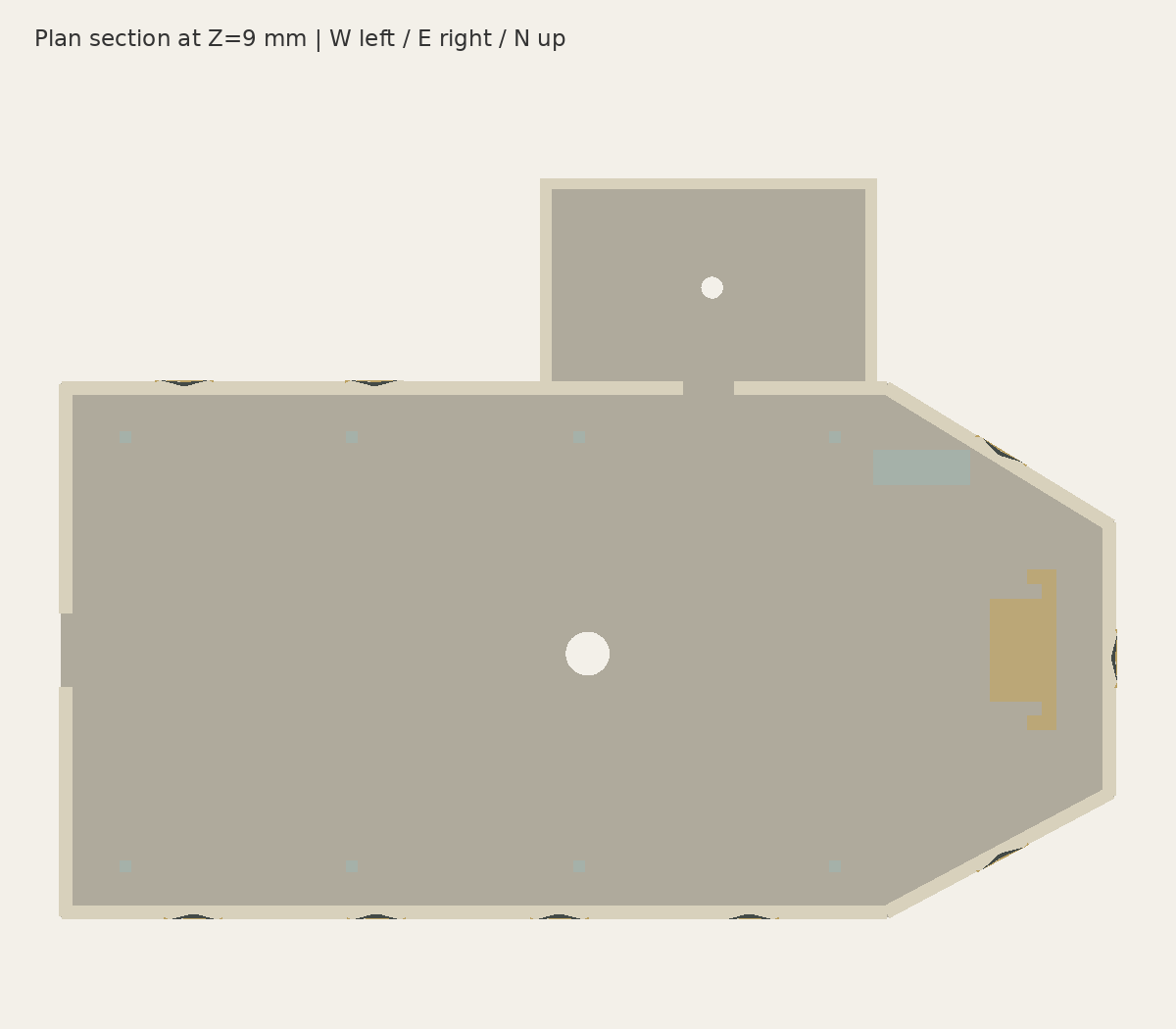
Digital model overview. See the labelled development views below.
Digital modelPrint testing
Elisabethkirche Lichte
Revision 0.10
Elisabethkirche in Lichte-Wallendorf, with modular walls, roof, tower and interior parts. Physical print and assembly testing is in progress; not yet available for purchase.
Delivery
Digital files
Updates
Versioned releases
Licence
Personal use
Development preview — this model is not available for purchase yet.
Explore the details and the parts behind the model. Select an image to open the larger view.
The church, with the roof removed · v0.6Generated model view, not a physical print photograph.Plan and interior layout · v0.6Model plan; the interior arrangement is interpreted.
Model details
Landmark · N 1:160 and H0 1:87 · Package v0.10 · Print-test stage
A distinctive Thüringen church prepared as a modular miniature.
The model is a plausible reconstruction of Elisabethkirche in Lichte-Wallendorf, not a surveyed replica. Major volumes, roof forms and tower proportions follow the available evidence while hidden details and some dimensions remain interpreted.
Current package
v0.10 packages N and H0 outputs from the shared architecture. Geometry is unchanged from v0.9; this revision improves packaging and print-test documentation. N contains 63 parts and H0 contains 65 parts.
Print approach
Start with the supplied fit and detail coupons
Bambu A1 starting point: 0.2 mm nozzle, PLA, 0.20 mm first layer and 0.12 mm subsequent layers
0.00 mm brim-object gap when a brim is used
Inspect supports around tower collars, domes, lantern and dormers
Verification status
Physical print and assembly testing is in progress. The church body and tower have been printed, while roof and interior assembly work continues. The complete customer release has not yet been approved, and the model is not available for purchase.
Before it reaches your workbench
A few useful things to know.
Is this a physical model?
No. This catalogue is for digital model files, not a printed kit. When a release is available, its listing will describe the files and documentation included in the download.
Which scale and printer should I use?
Check the model details and release notes for the available scales and tested print settings. Use a scale-specific version where supplied: small features and assembly clearances do not always work when a model is simply enlarged or reduced.
Does the picture show a finished print?
Model previews may be digital renders. Refer to the image description and release notes to distinguish a digital model from a physical print test. Development previews are not a promise that every part has been printed.
What should I keep after downloading?
Keep a backup of the original release package together with its version number, licence and assembly notes. Read the instructions before arranging the parts in your slicer.